How to Choose MTD Software: A 10-Point Checklist
A practical 10-point checklist for choosing Making Tax Digital software — compatibility, income types, security, filing, support and price — so you pick the right tool first time.
The short answer
To choose MTD software, check it's on HMRC's compatible list, that it handles all your income types, files both quarterly updates and the final declaration, keeps your data secure, gives you a clear review step, offers real support, and has predictable pricing. Match it to how you already keep records rather than the longest feature list.
Choosing MTD software shouldn't be a leap of faith. Run any tool through this 10-point checklist and you'll avoid the common, expensive mistakes.
The 10-point checklist
1. Is it on HMRC's compatible list? Only recognised software can submit MTD updates. Check first — everything else is irrelevant if this fails.
2. Does it handle all your income types? Self-employment, UK property, foreign property, CIS — your threshold and final declaration combine them, so your software should too.
3. Can it file the final declaration, not just quarters? Some tools stop at quarterly updates. You need the year-end final declaration as well, or you're only half covered.
4. Does it fit how you keep records? Spreadsheet person? Look for import/bridging. Want it done for you? Full bookkeeping. Fit beats features.
5. Is there a clear review step? You should see every figure and its source and confirm "these are correct" before anything reaches HMRC.
6. How is your data stored and secured? Look for encryption and a clear answer on where data lives. It should never ask for your Government Gateway password.
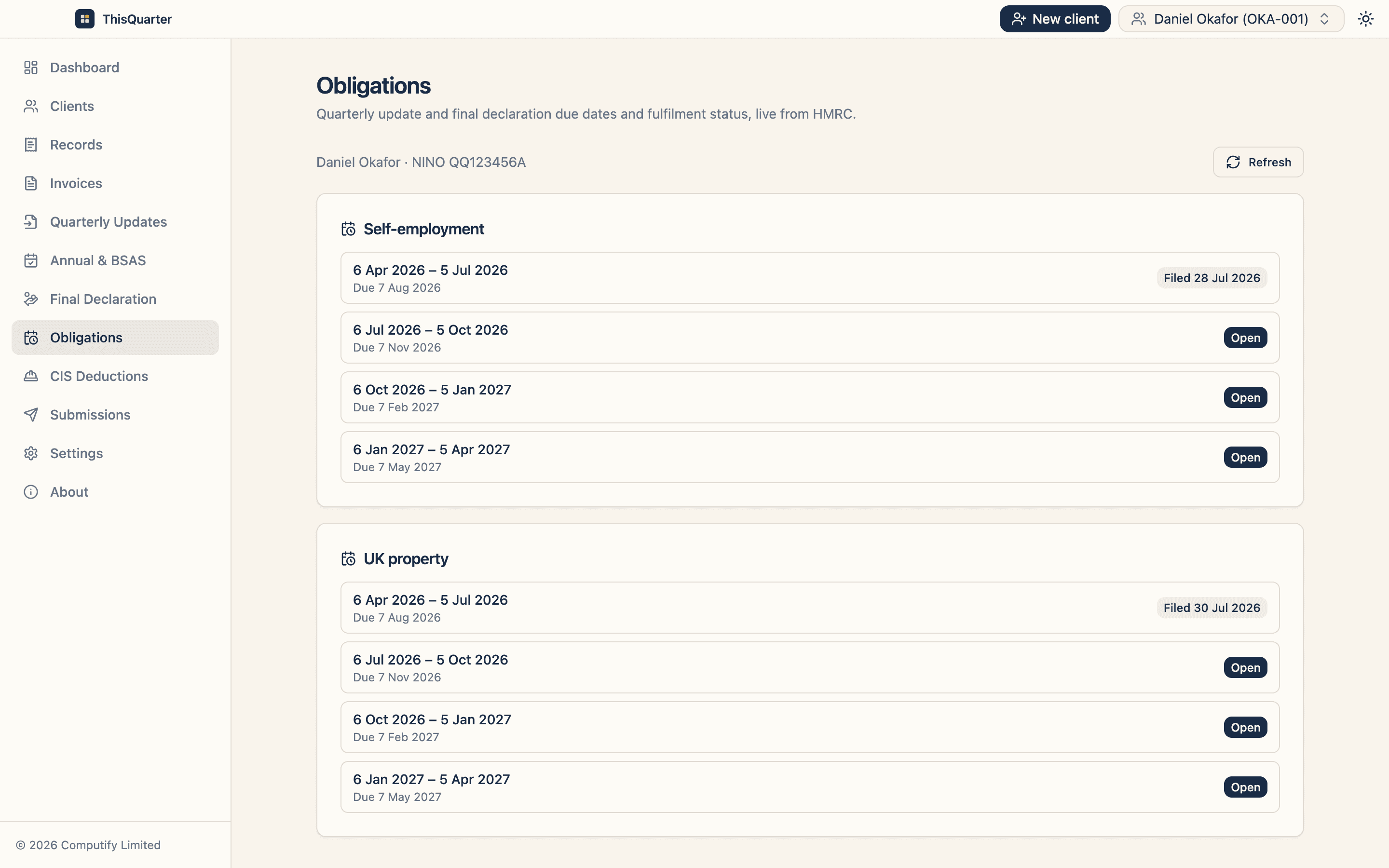
7. Does it show your HMRC obligations? Good software pulls your open quarters and deadlines from HMRC so you always know what's due.
8. What's the real annual price? Add up monthly fees plus any per-submission, per-client or final-declaration add-ons. Compare annual totals.
9. Is there genuine support? When a deadline looms, can you reach a human, or export a diagnostic log for a support ticket?
10. Can you get your data out? Check for export so you're never locked in if you switch.
A quick scoring approach
Score each point 0–2 (no / partial / yes). Anything scoring 0 on points 1, 2 or 3 should be ruled out regardless of the total — those are dealbreakers.
Key takeaways
- Compatibility, income types and final-declaration filing are dealbreakers — get those right first.
- Prioritise fit, a review step, security and honest pricing over feature count.
- Never use software that asks for your Government Gateway password.
- Make sure you can export your data before you commit.
This article is general information, not tax advice or a product endorsement. Check HMRC's compatible software list at gov.uk.
Frequently asked questions
What's the most important thing when choosing MTD software?
That it's officially recognised by HMRC as compatible and can file everything you need — quarterly updates and the final declaration. Everything else is about fit and convenience.
Should I pick the cheapest option?
Pick the cheapest option that genuinely fits your income types and record-keeping style. A tool that's cheap but can't handle your property income or the final declaration costs more in the end.
How do I know my data is safe?
Look for clear statements on encryption and where data is stored. Your income figures, National Insurance number and UTR are sensitive — the software should protect them and never ask for your Government Gateway password.
Can I switch software later?
Yes, but it's easier to choose well first. Check you can export your data, and whether the new tool can import it, before you commit.
Related reading
Best MTD Software for Sole Traders in 2026: What to Look For
How to pick MTD-compatible software as a sole trader in 2026 — the features that actually matter, the difference between bridging and full bookkeeping tools, pricing to expect, and red flags to avoid.
Bridging Software vs Full MTD Software: Which Do You Need?
The difference between bridging software and full MTD bookkeeping software — how each works, who each suits, the pros and cons, and how to decide which is right for your business.
Best MTD Bridging Software in 2026: What to Look For
A guide to choosing MTD bridging software in 2026 — how bridging works, who it suits, the features that matter, pricing to expect, and how to keep your spreadsheet while still filing digitally to HMRC.