Best MTD Bridging Software in 2026: What to Look For
A guide to choosing MTD bridging software in 2026 — how bridging works, who it suits, the features that matter, pricing to expect, and how to keep your spreadsheet while still filing digitally to HMRC.
The short answer
The best MTD bridging software lets you keep your existing spreadsheet, connects to HMRC through a digital link with no manual retyping, files both quarterly updates and the final declaration, and is on HMRC's compatible list. Bridging suits people who already keep accurate spreadsheets and want the cheapest, least disruptive route to compliance.
If you already keep your figures in a spreadsheet, bridging software is often the simplest, cheapest way to meet Making Tax Digital — you keep your method and just add a compliant way to file. Here's how to choose well in 2026.
How bridging works
Bridging software doesn't replace your spreadsheet. You keep recording income and expenses your way, and the bridge carries the required totals to HMRC through a digital link — an electronic transfer with no manual retyping. That digital link is what makes it MTD-compliant.
Who bridging suits
- People who already keep accurate spreadsheets and don't want to learn a new system.
- Those who want the cheapest compliant route.
- Anyone whose bookkeeping is simple enough that full software would be overkill.
If your records are messy, or you'd rather the software did the bookkeeping, full software may serve you better.
Features that matter in a bridging tool
| Feature | Why it matters |
|---|---|
| On HMRC's compatible list | Only listed software can file |
| Files quarterly and final declaration | You need both, not just quarters |
| Handles your income types | Self-employment, UK/foreign property, CIS |
| Clear review before submit | See every figure and confirm it |
| Preserves the digital link | No manual retyping between steps |
| Honest pricing | Watch for per-submission add-ons |
What to expect on price
Bridging tools are usually the lower-cost end of MTD software because they're doing less — carrying your totals rather than running full bookkeeping. Compare the annual cost, and confirm whether the final declaration is included or charged separately.
Red flags
- Not on HMRC's compatible list.
- Files quarterly updates but not the final declaration.
- Asks for your Government Gateway password — it never should.
- Vague about where your data is stored and whether it's encrypted.
Where ThisQuarter fits
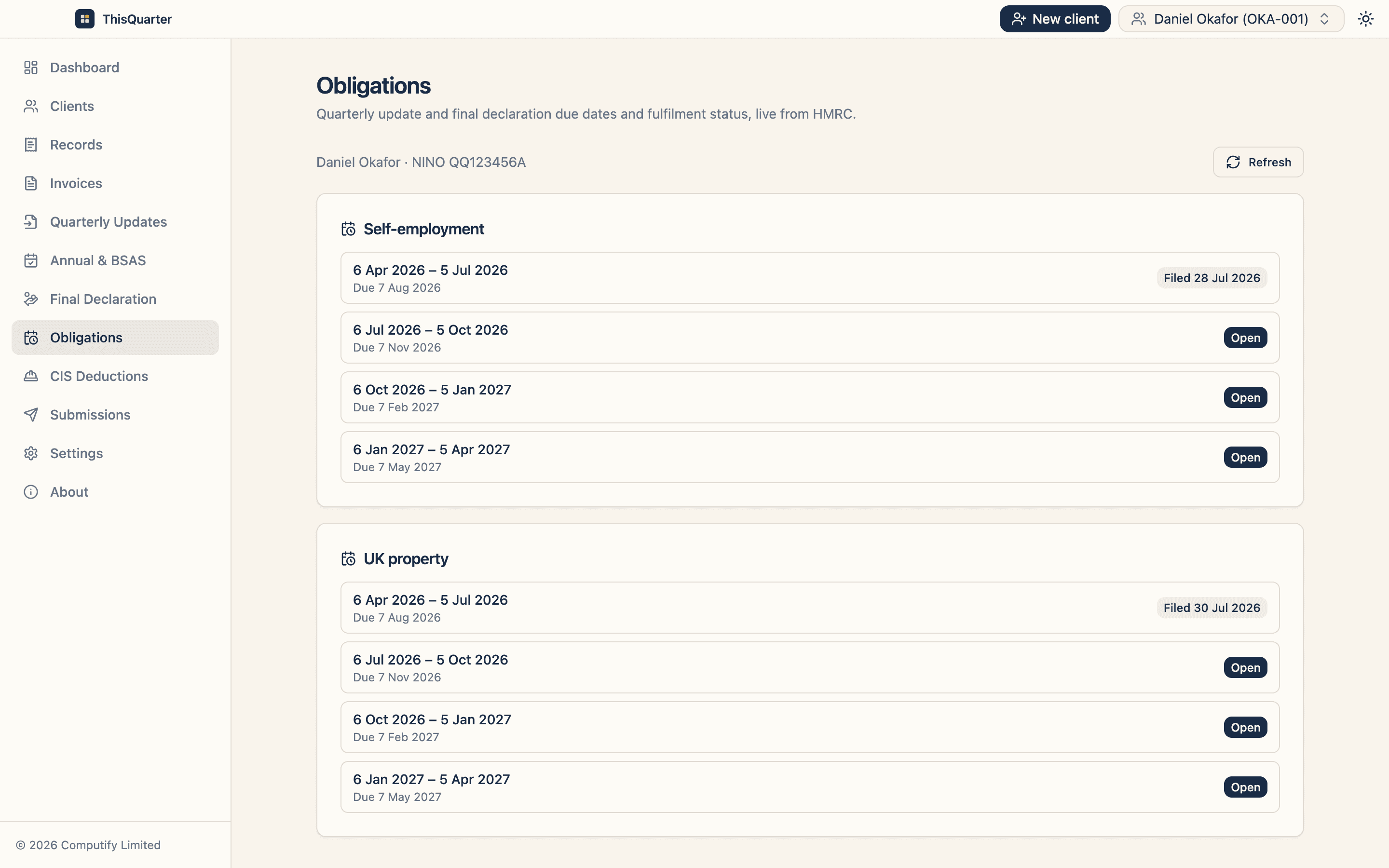
ThisQuarter can import figures from a spreadsheet and file them to HMRC — giving you the bridging benefit (keep your spreadsheet) plus a software-driven review, live HMRC obligations, and direct filing of quarterly updates, annual adjustments and the final declaration. Your data stays encrypted on your own device, not on our servers, and the first two quarterly cycles are free on the Solo plan.
Key takeaways
- Bridging = keep your spreadsheet, file to HMRC via a digital link.
- Insist on HMRC-listed, final-declaration filing, and a review step.
- It's usually the cheapest compliant route for tidy spreadsheet keepers.
- Never use a tool that asks for your Government Gateway password.
This article is general information, not tax advice or a specific product endorsement. Check HMRC's compatible software list at gov.uk.
Frequently asked questions
What is MTD bridging software?
Bridging software connects your own spreadsheet to HMRC. You keep your income and expenses in the spreadsheet, and the software carries the required totals to HMRC through a digital link, so you meet Making Tax Digital rules without changing how you keep records.
Is bridging software still allowed under MTD for Income Tax?
Yes. As long as there's an unbroken digital link from your records to HMRC — no copy-typing into a web form — bridging is a fully compliant, HMRC-recognised approach.
Is bridging cheaper than full accounting software?
Usually, if you already keep tidy spreadsheets, because you're only paying for the filing bridge rather than a full bookkeeping suite. Compare the annual cost and check the final declaration is included.
What should I avoid in bridging software?
Avoid anything not on HMRC's compatible list, tools that only file quarterly updates but not the final declaration, and anything that asks for your Government Gateway password (HMRC handles login on its own pages).
Related reading
Best MTD Software for Landlords in 2026: What to Look For
How landlords should choose MTD software in 2026 — handling UK and foreign property, joint ownership, finance-cost relief, multiple properties, and filing quarterly updates and the final declaration to HMRC.
Best MTD Software for Accountants in 2026: What to Look For
How accountancy practices should choose MTD for Income Tax software in 2026 — multi-client workflow, Agent Services Account integration, client authorisations, bulk filing, pricing per client and data security.
Best MTD Software for CIS Subcontractors in 2026
What CIS subcontractors should look for in MTD software — viewing CIS deductions, handling expenses and refunds, spreadsheet import from contractor statements, and filing quarterly updates and the final declaration.