Bridging Software vs Full MTD Software: Which Do You Need?
The difference between bridging software and full MTD bookkeeping software — how each works, who each suits, the pros and cons, and how to decide which is right for your business.
The short answer
Bridging software takes figures you already keep in a spreadsheet and files them to HMRC digitally, so you keep your own bookkeeping method. Full MTD software records and categorises your transactions for you. Bridging suits people who already keep tidy spreadsheets; full software suits people who want the tool to do the bookkeeping. Both are valid and HMRC-compatible.
When people say "MTD software" they often mean two quite different things. Understanding the split makes choosing far easier.
Bridging software: keep your spreadsheet
Bridging software doesn't change how you keep records. You carry on with your own spreadsheet, and the bridge carries the required totals to HMRC through a digital link.
Good for: people who already keep accurate, tidy spreadsheets and don't want to learn a new system.
Pros
- Keep your familiar method.
- Usually the cheapest route.
- Minimal learning curve.
Cons
- You maintain the spreadsheet and its accuracy yourself.
- No automatic categorisation or transaction recording.
- You need to keep the digital links intact.
Full MTD software: it does the bookkeeping
Full software records your transactions, categorises income and expenses, and produces the figures for you, then files them.
Good for: people who want the tool to handle the bookkeeping and reduce manual work.
Pros
- Records and categorises for you.
- Often includes reports, invoicing and reconciliation.
- Fewer manual steps at quarter-end.
Cons
- Costs more.
- More to learn up front.
- You may pay for features you don't use.
Side by side
| Bridging | Full software | |
|---|---|---|
| You keep the spreadsheet | Yes | No |
| Records transactions for you | No | Yes |
| Typical cost | Lower | Higher |
| Learning curve | Small | Larger |
| Best for | Tidy spreadsheet keepers | Hands-off bookkeeping |
How to decide
Ask one question: do you already keep good spreadsheets and enjoy it?
- Yes → bridging (or a tool that imports your spreadsheet) is likely your cheapest, least disruptive route.
- No / it's a chore → full software will save you time even at a higher price.
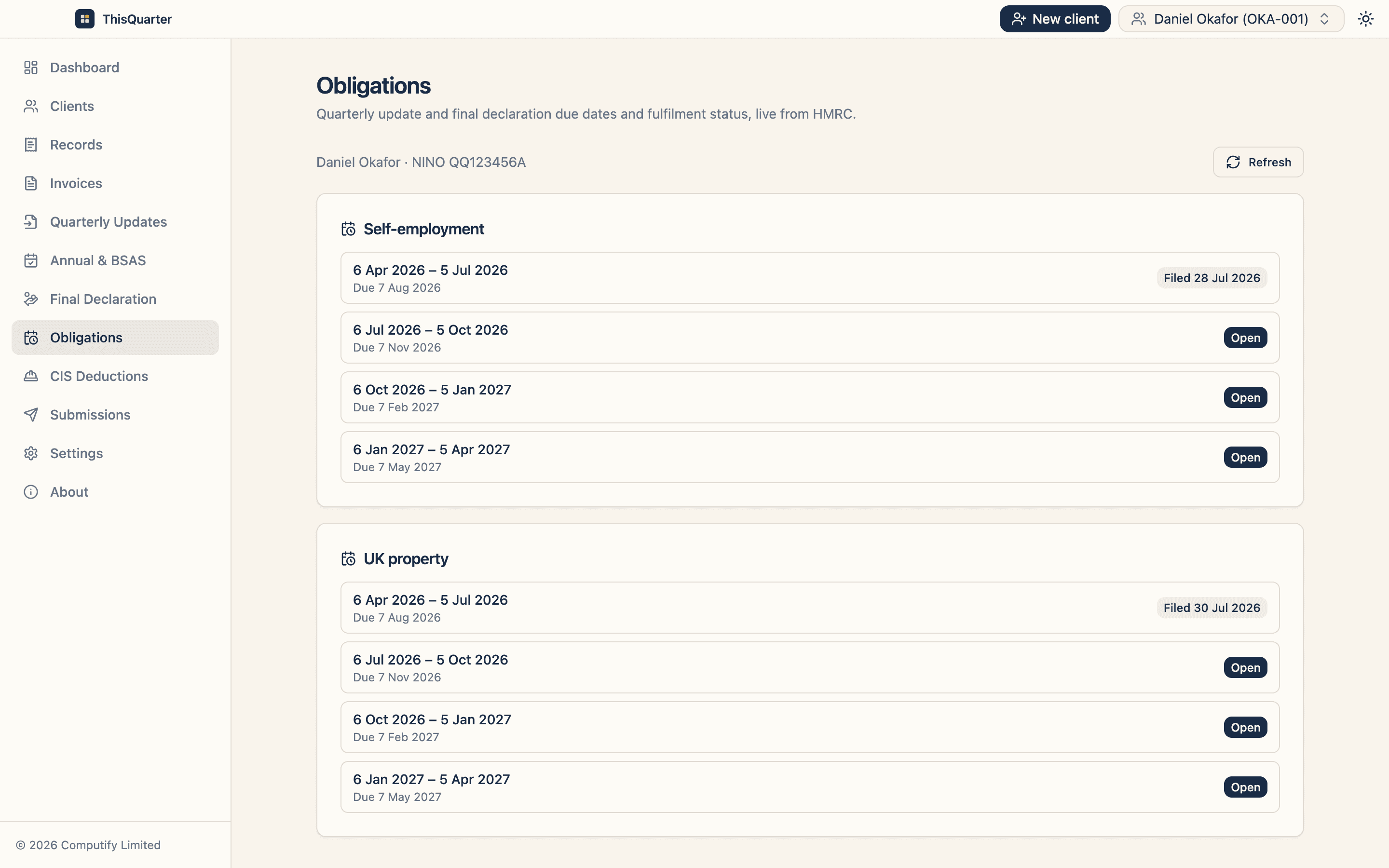
ThisQuarter sits in the middle: you can import figures from a spreadsheet and still get software-driven review, HMRC obligations and direct filing of quarterly updates, annual adjustments and the final declaration — encrypted on your own device.
Key takeaways
- Bridging files your spreadsheet's totals to HMRC; full software does the bookkeeping.
- Both are HMRC-compatible — the choice is about fit and cost.
- Choose based on whether you already keep good spreadsheets.
- Some tools import spreadsheets into full software for a middle path.
This article is general information, not tax advice. Check compatible software at gov.uk.
Frequently asked questions
What is bridging software?
Bridging software is a tool that connects a spreadsheet to HMRC. You keep your income and expenses in your own spreadsheet, and the software carries the required totals to HMRC through a digital link, satisfying MTD without changing how you keep records.
Is bridging software allowed under MTD?
Yes. As long as there's an unbroken digital link from your records to HMRC (no manual retyping into a web form), bridging is a fully compliant approach that HMRC recognises.
Which is cheaper?
Bridging is often cheaper if you already keep good spreadsheets, because you're paying only for the filing bridge. Full software costs more but replaces the manual bookkeeping. Compare the annual cost against the time you'd spend either way.
Can one product do both?
Some products let you import a spreadsheet into a full app, giving you a middle ground — spreadsheet-style entry with software doing the filing and calculations.
Related reading
Best MTD Software for Sole Traders in 2026: What to Look For
How to pick MTD-compatible software as a sole trader in 2026 — the features that actually matter, the difference between bridging and full bookkeeping tools, pricing to expect, and red flags to avoid.
How to Choose MTD Software: A 10-Point Checklist
A practical 10-point checklist for choosing Making Tax Digital software — compatibility, income types, security, filing, support and price — so you pick the right tool first time.
Best MTD Bridging Software in 2026: What to Look For
A guide to choosing MTD bridging software in 2026 — how bridging works, who it suits, the features that matter, pricing to expect, and how to keep your spreadsheet while still filing digitally to HMRC.