Best MTD Software for Sole Traders in 2026: What to Look For
How to pick MTD-compatible software as a sole trader in 2026 — the features that actually matter, the difference between bridging and full bookkeeping tools, pricing to expect, and red flags to avoid.
The short answer
The best MTD software for a sole trader is the one that matches how you already keep records, is on HMRC's compatible list, handles your income types (self-employment, property, CIS), and files quarterly updates and the final declaration directly to HMRC. Prioritise a clear review step before submission, data security, and honest pricing over long feature lists you won't use.
There's a growing list of MTD tools, and the "best" one is genuinely personal. This guide cuts through the marketing so you can pick the right fit as a sole trader — without paying for features you'll never touch.
Start with how you already work
The single biggest factor is your current habit:
- You keep a spreadsheet. Look at bridging software or a tool that imports spreadsheets — you keep your method, it handles HMRC.
- You want it done for you. Look at full software that records and categorises transactions.
Fighting your own habits is the main reason people abandon software.
Features that actually matter
| Feature | Why it matters |
|---|---|
| On HMRC's compatible list | Non-negotiable — only listed software can file |
| Handles your income types | Self-employment, UK/foreign property, CIS |
| Clear review before submit | You should see every figure and confirm it |
| Direct HMRC filing | Quarterly updates and the final declaration |
| Sensible data security | Your income, NINO and UTR are sensitive |
| Honest, predictable pricing | Watch for per-submission or per-client add-ons |
Features to be sceptical of
Long dashboards, "AI insights", and integrations you'll never use add cost and complexity. As a sole trader you mainly need: record, review, submit, finalise.
What to expect on price
Sole-trader MTD tools typically range from free or a few pounds a month for lightweight bridging tools up to £10–£30+/month for full bookkeeping suites. Compare the annual cost, and check whether the final declaration is included or charged separately.
Red flags
- Not on HMRC's compatible list.
- Vague about where your data is stored and whether it's encrypted.
- Asks for your Government Gateway password (it never should — HMRC handles login on its own pages).
- Can file quarterly updates but not the final declaration.
Where ThisQuarter fits
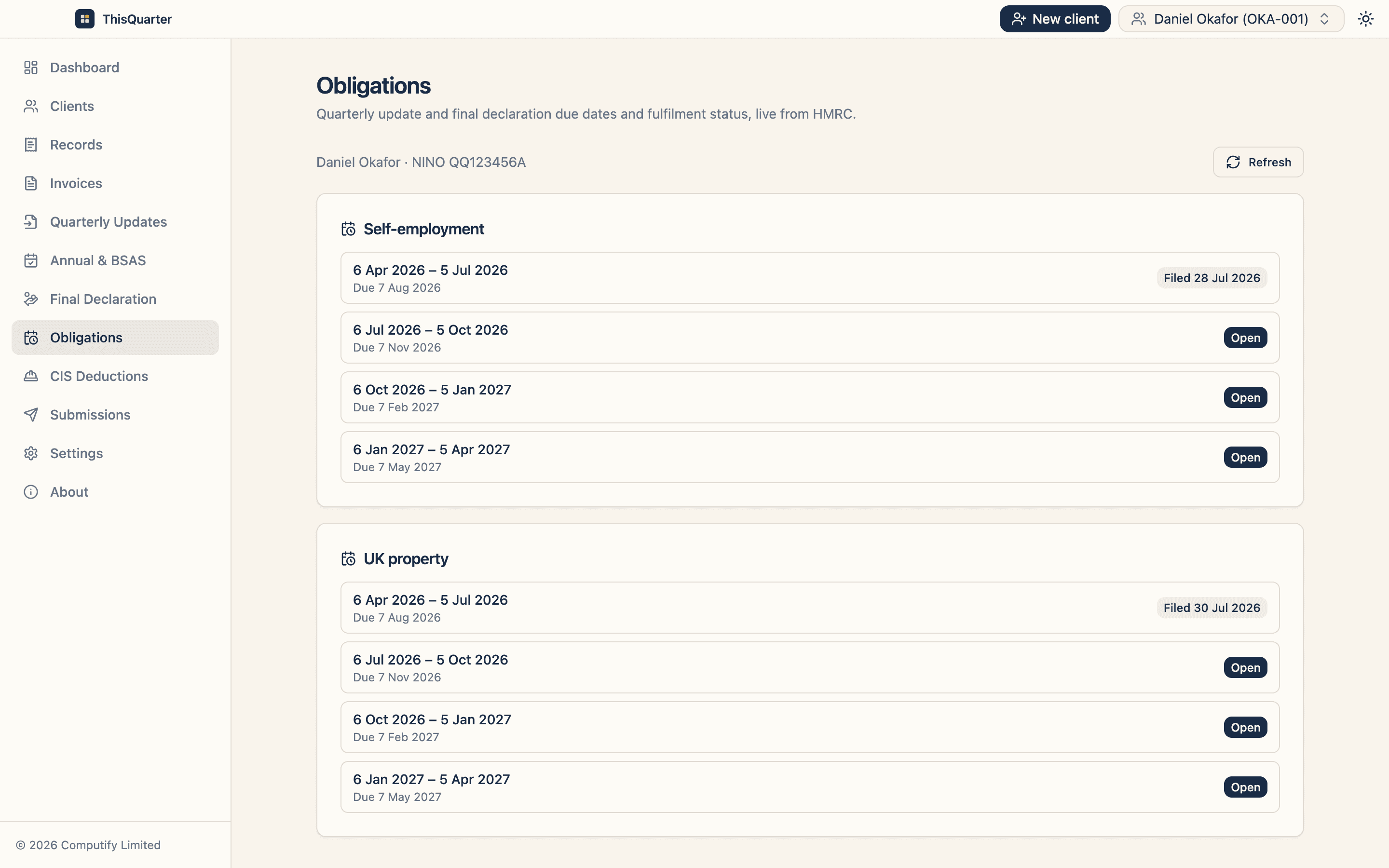
ThisQuarter is a secure desktop app — your client data stays encrypted on your own machine, not on our servers. It handles self-employment, UK and foreign property and CIS, imports figures from a spreadsheet, and files quarterly updates, annual adjustments and the final declaration to HMRC, with an explicit "check these figures" step before anything is submitted.
Key takeaways
- Choose software that matches your current record-keeping.
- Insist on: HMRC-listed, your income types, a review step, and direct filing of updates and the final declaration.
- Compare annual cost and watch for hidden per-submission fees.
- Never trust a tool that asks for your Government Gateway password.
This article is general information, not tax advice or a specific product endorsement. Check HMRC's list of compatible software at gov.uk.
Frequently asked questions
What's the cheapest way to be MTD compliant?
If you already keep tidy figures in a spreadsheet, bridging software is usually the cheapest route — it just carries your totals to HMRC. Full bookkeeping software costs a little more but does more of the work for you. Compare the total annual cost, not just the headline monthly price.
Does the software need to be on an HMRC list?
Yes. Only software HMRC recognises as compatible can submit MTD updates. Always check the product appears on HMRC's list of compatible software before you buy.
Do I need cloud software, or can it be a desktop app?
Either works. Desktop apps keep your data on your own machine, which some people prefer for privacy; cloud apps sync across devices. What matters is that it connects to HMRC and keeps your records digitally.
Can one tool handle both my trade and my rental income?
Good MTD software handles multiple income sources — self-employment, UK and foreign property — in one place, because your threshold and final declaration combine them anyway.
Related reading
How to Choose MTD Software: A 10-Point Checklist
A practical 10-point checklist for choosing Making Tax Digital software — compatibility, income types, security, filing, support and price — so you pick the right tool first time.
Bridging Software vs Full MTD Software: Which Do You Need?
The difference between bridging software and full MTD bookkeeping software — how each works, who each suits, the pros and cons, and how to decide which is right for your business.
Best MTD Bridging Software in 2026: What to Look For
A guide to choosing MTD bridging software in 2026 — how bridging works, who it suits, the features that matter, pricing to expect, and how to keep your spreadsheet while still filing digitally to HMRC.