Best MTD Software for Accountants in 2026: What to Look For
How accountancy practices should choose MTD for Income Tax software in 2026 — multi-client workflow, Agent Services Account integration, client authorisations, bulk filing, pricing per client and data security.
The short answer
The best MTD software for accountants supports the agent workflow end to end: connect once with your Agent Services Account, add and authorise clients, import or enter each client's figures, and file quarterly updates and final declarations per client. Prioritise multi-client management, clear authorisation tracking, data security, and pricing that scales sensibly with your client count.
Practices have different needs from individual filers: you're managing many clients, authorisations, and four filing points a year each. Here's what to look for in MTD software as an accountant in 2026.
The agent workflow comes first
Accountants act for clients through an Agent Services Account (ASA). Your software must fit that flow:
- Connect once with your ASA credentials.
- Add and authorise clients (send invitations, track acceptance).
- Enter or import each client's figures.
- File quarterly updates and final declarations per client.
If a tool is built for a single self-filer rather than a multi-client practice, it'll fight you at scale.
Features that matter for practices
| Feature | Why it matters |
|---|---|
| ASA integration | You file under your agent credentials |
| Authorisation tracking | See Invited / Accepted / Rejected per client |
| Multi-client dashboard | Manage the whole book, not one taxpayer |
| Per-client filing | Quarterly updates and final declarations |
| Spreadsheet import | Bring clients who keep their own figures |
| Data security | Client NINOs, UTRs and income are sensitive |
| Scalable pricing | Cost grows sensibly with client count |
Authorisations: the hidden bottleneck
The classic practice crunch isn't filing — it's getting clients authorised in time. Software that clearly shows each client's invitation status and lets you resend easily saves the pre-deadline scramble. See our guide to how agents get client authorisation.
Pricing for a practice
MTD turns one annual return into four quarterly updates plus a final declaration per client. Choose software whose pricing scales with client numbers, and re-price your own services to reflect the extra touchpoints — our practice readiness guide covers this.
Data security matters more for firms
You hold sensitive data for many clients. Look for clear statements on encryption and where data is stored — and software that never asks for a client's Government Gateway password (HMRC handles login).
Where ThisQuarter fits
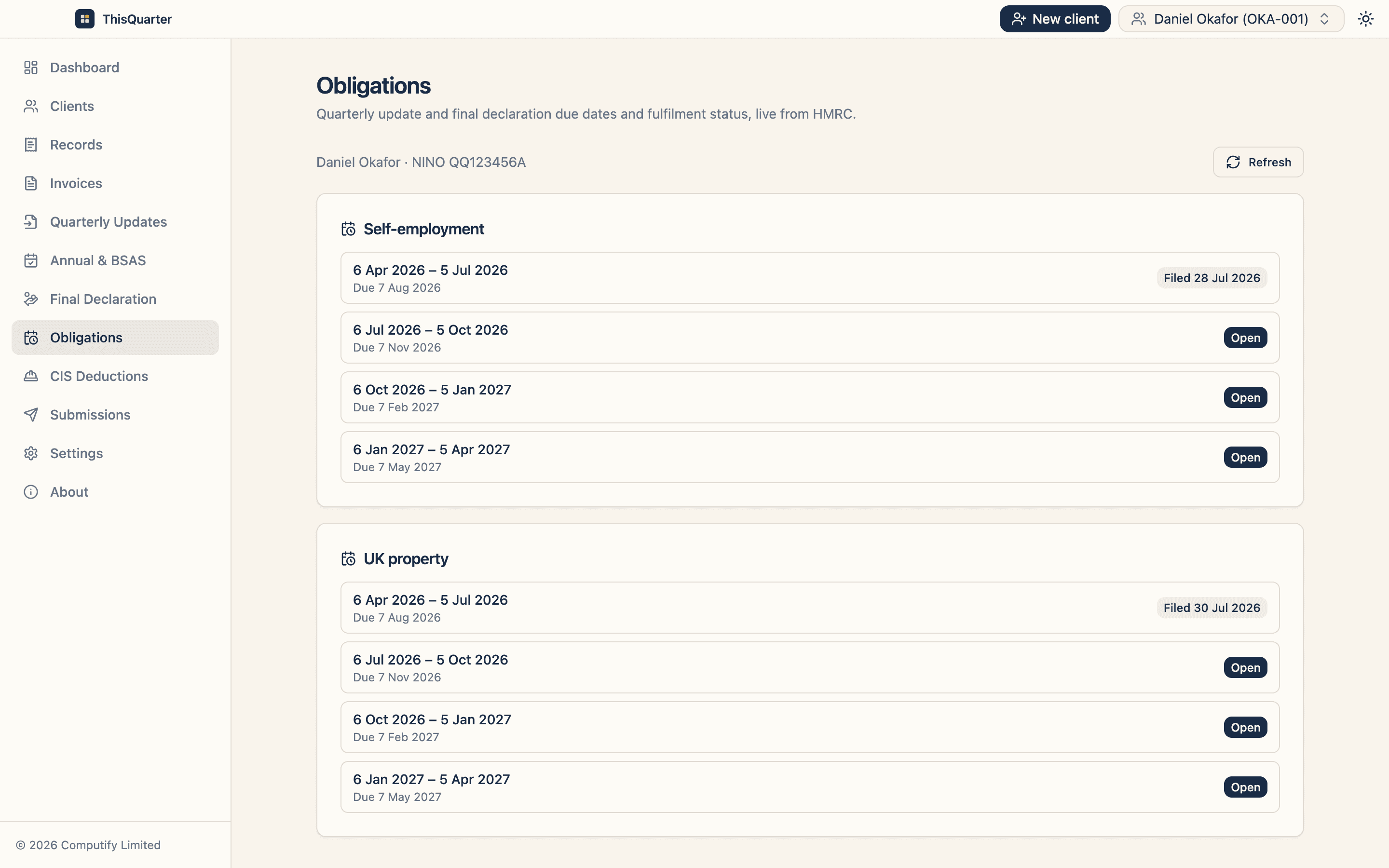
ThisQuarter is built around the multi-client agent flow: connect your ASA, add clients, track invitation status, import or enter figures, and file each client's quarterly updates, annual adjustments and final declaration — with all client data held encrypted on your own machine, not our servers.
Key takeaways
- Choose software built for the multi-client agent workflow, not a single filer.
- Must integrate with your Agent Services Account and track authorisations.
- Look for per-client filing, spreadsheet import and scalable pricing.
- Data security is critical when you hold many clients' details.
This article is general information, not tax or practice advice. Check HMRC's agent guidance at gov.uk.
Frequently asked questions
What should accountants look for in MTD software?
Agent Services Account integration, the ability to send and track client authorisations, a clean multi-client view, per-client filing of quarterly updates and final declarations, spreadsheet import for clients who keep their own records, strong data security, and pricing that scales with your client numbers.
Does the software connect to my Agent Services Account?
It should. Accountants act for MTD clients through their Agent Services Account, so the software must connect using your agent credentials and file for each authorised client without needing the client's own login.
How should practice software be priced?
Look for pricing that scales with client numbers — per-client or tiered by client count — rather than a flat fee that doesn't fit your practice size. Factor it into your own per-client fees for the extra quarterly work.
Can I bring clients who keep their own spreadsheets?
Yes, if the software supports import. Many clients keep their own figures; software that imports a labelled spreadsheet lets you review and file without re-keying everything.
Related reading
Best MTD Bridging Software in 2026: What to Look For
A guide to choosing MTD bridging software in 2026 — how bridging works, who it suits, the features that matter, pricing to expect, and how to keep your spreadsheet while still filing digitally to HMRC.
Best MTD Software for Landlords in 2026: What to Look For
How landlords should choose MTD software in 2026 — handling UK and foreign property, joint ownership, finance-cost relief, multiple properties, and filing quarterly updates and the final declaration to HMRC.
Best MTD Software for CIS Subcontractors in 2026
What CIS subcontractors should look for in MTD software — viewing CIS deductions, handling expenses and refunds, spreadsheet import from contractor statements, and filing quarterly updates and the final declaration.