Made a Mistake in an MTD Quarterly Update? How to Fix It
Sent the wrong figures to HMRC in a Making Tax Digital quarterly update? Because updates are cumulative, most mistakes fix themselves in the next one. Here's how corrections work before and after the year end.
The short answer
MTD quarterly updates are cumulative: each one covers 6 April to the end of the latest period. To fix a mistake, correct your digital records and the next update carries the right year-to-date totals. If the error is found after the fourth update, resend the fourth update before making tax adjustments. Once the tax return is filed, you can amend it within 12 months of the 31 January deadline.
Sent a quarterly update and then noticed a missing invoice, a duplicated expense or a figure in the wrong box? Don't panic. Making Tax Digital is built for this.
Why most mistakes fix themselves
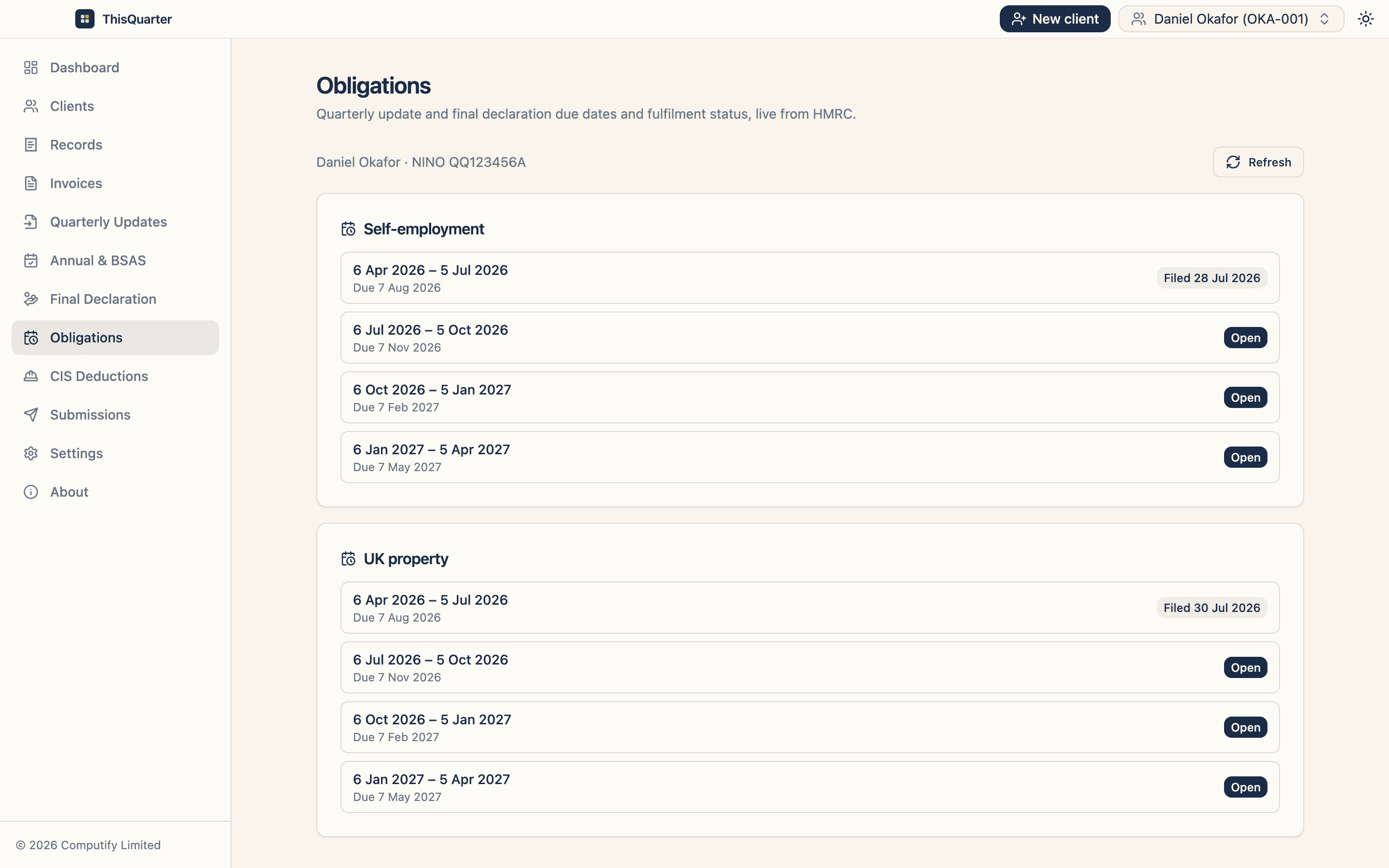
Every MTD quarterly update is cumulative. Each one covers the year so far, from 6 April to the end of the latest period:
| Update | Covers |
|---|---|
| 1 | 6 April – 5 July |
| 2 | 6 April – 5 October |
| 3 | 6 April – 5 January |
| 4 | 6 April – 5 April |
So if update 1 understated sales by £800, you don't amend update 1. You add the missing £800 to your records, and update 2's year-to-date total is right. HMRC uses the latest figures.
In HMRC's words, corrections made to your records are "included in your next update".
Step by step: during the year
- Correct your digital records. Add the missing transaction, remove the duplicate, or move the item to the right category.
- Check the year-to-date totals in your software.
- Send your next quarterly update as normal. It carries the corrected totals.
If you'd rather not wait, most software lets you send an update on any day, as long as it still covers 6 April to the end of the period.
After the fourth update
Once the year has ended and your fourth update is in, there's no "next update" to carry a fix. Instead you resend the fourth quarterly update. GOV.UK lists three reasons to do this:
- correcting your records after finding an error;
- adding expenses for jointly let property, if you only sent income during the year;
- recording Rent-a-Room income, if you decide after the year end to claim Rent-a-Room relief.
Order matters: resend the fourth update before you make any tax adjustments for the year.
Mistakes vs adjustments
Not every change is a mistake. After the fourth update you make adjustments in your software before filing the return: disallowable expenses, private-use portions, capital allowances, accruals and prepayments under traditional accounting, and allowances such as the trading allowance. These are made by changing the annual totals, not by resending updates. See how the final declaration works.
After the tax return is filed
You can amend your tax return within 12 months of the submission deadline, using MTD software. For 2026-27 (due 31 January 2028), that runs to 31 January 2029.
Lowering your income on an amended return can also change whether you need MTD next year. See leaving MTD if your income falls.
What about a missed or late update?
That's a different problem. For 2026-27 there are no penalty points for late quarterly updates. From 2027-28 each late update earns a point, and four points mean a £200 penalty. See MTD penalties explained.
Nil periods
If you had no income or expenses in a period, you still send the update. A missing update isn't treated as a nil one.
How ThisQuarter helps. Each quarter in ThisQuarter shows the year-to-date figure beside last quarter's, so a jump or a gap stands out before you send, and a corrected record flows into the next update. See how it works.
Sources
- Send quarterly updates (GOV.UK)
- Adjust your self-employment and property income (GOV.UK)
- Submit your tax return (GOV.UK)
Frequently asked questions
Do I need to resubmit a quarterly update if I spot a mistake?
Usually not. Each update is year-to-date, so you correct your records and the next update automatically replaces the earlier totals.
What if I find the error after my fourth update?
Resend the fourth quarterly update with the corrected figures. HMRC says to do this before you make any tax adjustments for the year.
Can I change my tax return after submitting it?
Yes. Using your MTD software, you can amend a tax return within 12 months of the submission deadline. For 2026-27, that's 12 months from 31 January 2028.
Are quarterly updates checked for accuracy?
They're summaries, not tax returns. No tax or accounting adjustments are needed during the year, and the final figures are fixed when you submit your tax return.
Related reading
MTD Quarterly Update Calendar 2026/27: Every Deadline
The full Making Tax Digital for Income Tax filing calendar for 2026/27 — every quarterly update period and deadline, the final declaration date, and how the optional calendar-quarter election works.
Consolidated vs Itemised Expenses in Your MTD Quarterly Update
When you can report a single consolidated expenses figure in a Making Tax Digital quarterly update versus itemising every category, the VAT-threshold rule, and what 'disallowable' amounts mean.
How to Submit a Quarterly Update for MTD (Step by Step)
A step-by-step walkthrough of submitting a Making Tax Digital quarterly update to HMRC: what figures to enter, how cumulative reporting works, and how to check everything before you file.