Agent Services Account: Setup Guide for Accountants
What an Agent Services Account (ASA) is, why accountants need one for MTD, how to set it up, how it differs from the old agent accounts, and how it links to client authorisations.
The short answer
An Agent Services Account (ASA) is the HMRC account accountants use to access MTD services and act for clients. You set one up once per firm using your Government Gateway details and firm information, get a single set of agent credentials, then link existing client relationships and request new client authorisations through it.
If your practice is filing MTD for clients, the Agent Services Account (ASA) is the foundation. Here's what it is and how to set it up properly.
What the ASA is
The Agent Services Account is HMRC's account for agents accessing Making Tax Digital and other modern services. It gives your firm a single set of agent credentials that your software uses to act for clients across MTD.
Think of it as your firm's identity with HMRC for MTD — separate from any one client, and separate from your clients' own Government Gateway logins.
One account per firm
You set up one ASA per practice, not one per staff member and not one per client. It represents the firm. Within it you manage:
- your client authorisations (who you're allowed to act for);
- links to your existing client relationships;
- the credentials your MTD software connects with.
Setting it up
- Go to HMRC's "Create an Agent Services Account" service.
- Sign in with your firm's Government Gateway agent ID.
- Provide your firm details — including your agent registration / money laundering supervision information as prompted.
- Receive your ASA credentials (a new agent reference).
You only do this once for the firm.
Link your existing clients
If you already act for clients through the older HMRC Online Services for Agents account, you link that account to your ASA. This carries across your existing authorisations so you don't have to re-authorise every client from scratch.
New clients need authorisation
For a new client, you request authority through the agent authorisation process — the client accepts once via their own Government Gateway. After that, your ASA covers them for MTD. Our guide on how agents get client authorisation walks through it.
How software fits in
Your MTD software connects to HMRC using your ASA. When you file a client's quarterly update or final declaration, the software acts under your agent credentials for that authorised client — you never need the client's Government Gateway password.
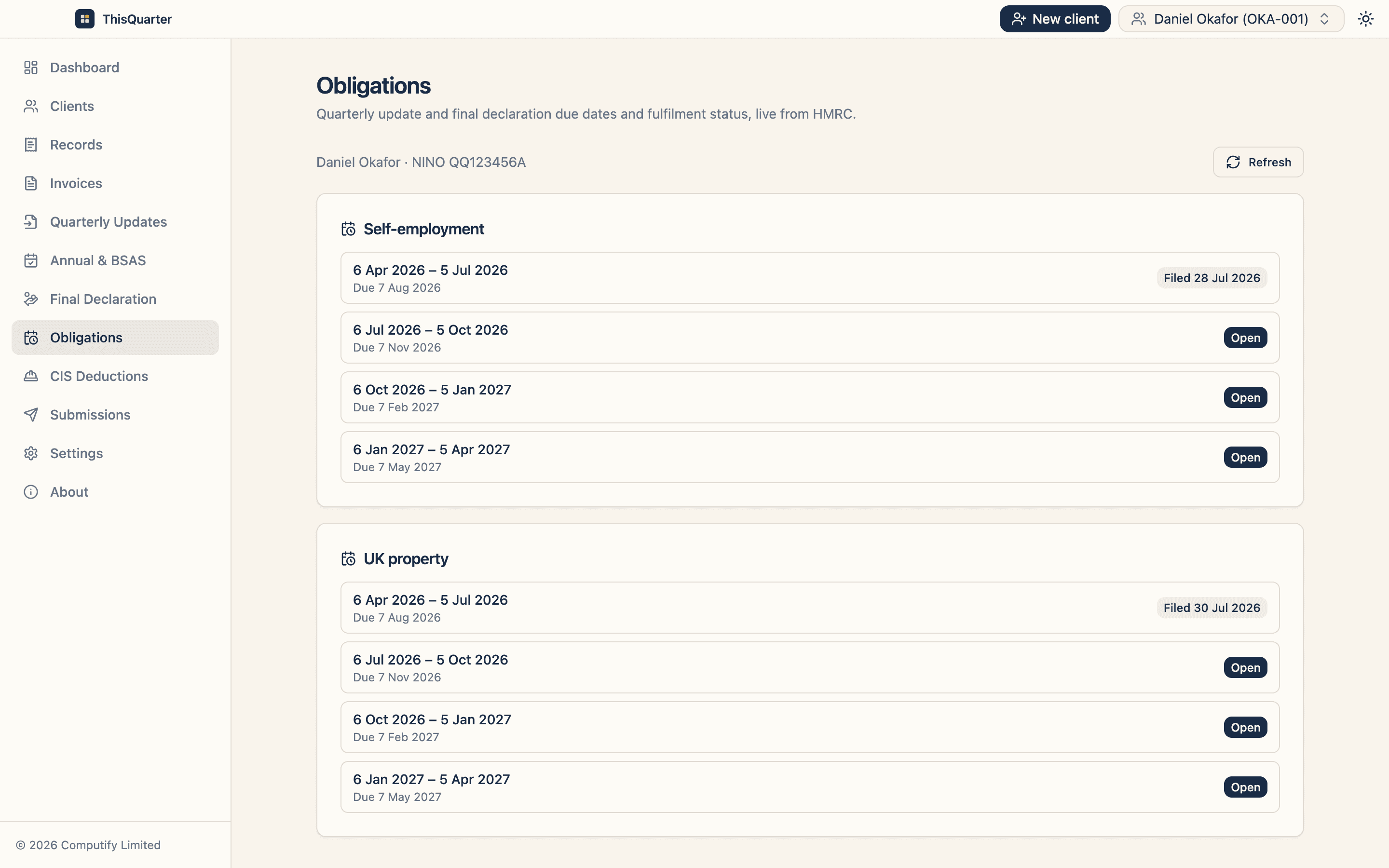
ThisQuarter is built around this agent flow: connect once with your ASA, add clients, track invitation status, and file for each authorised client from one place.
Key takeaways
- The ASA is your firm's HMRC identity for MTD — one per practice.
- Set it up once with your Government Gateway and firm details.
- Link your old agent account to carry across existing clients.
- New clients authorise you once; your software then files under the ASA.
This article is general information, not tax advice. Check the current setup steps at gov.uk or HMRC's agent guidance.
Frequently asked questions
What is an Agent Services Account?
It's the HMRC account that gives accountants access to Making Tax Digital and other newer HMRC services. Each firm has one ASA, which provides a single set of agent credentials used to act for all your MTD clients.
Do I need an ASA for MTD for Income Tax?
Yes. To sign clients up for MTD for Income Tax and file on their behalf, you act through your Agent Services Account. It's the gateway to the agent-facing MTD APIs your software connects to.
How is it different from my old agent account?
The older HMRC Online Services for Agents account is still used for some legacy services, but MTD runs through the ASA. You link your existing client relationships from the old account to the ASA so you don't have to re-authorise every client.
How many ASAs should my firm have?
One per firm. The ASA represents the practice, not an individual staff member. You manage staff access and client authorisations within it.
Related reading
How Agents Get MTD Client Authorisation from HMRC
Step by step: how an accountant requests authority to act for a client under MTD, the proof-of-knowledge check, how the client accepts, invitation statuses, and de-authorising a client.
MTD for Accountants: Getting Your Clients Ready
A practical readiness plan for accountancy practices — segmenting clients by threshold, fixing record-keeping habits, choosing software, managing authorisations, and pricing the extra quarterly work.
Best MTD Bridging Software in 2026: What to Look For
A guide to choosing MTD bridging software in 2026 — how bridging works, who it suits, the features that matter, pricing to expect, and how to keep your spreadsheet while still filing digitally to HMRC.