Digital Record-Keeping for MTD: What Counts & What Bridging Software Does
What 'keeping digital records' actually means under Making Tax Digital for Income Tax, what a digital link is, and how bridging software lets you keep using spreadsheets while still filing to HMRC.
The short answer
Under MTD for Income Tax you must keep your income and expenses in a digital form and file to HMRC through compatible software. Digital records mean each transaction is captured electronically — in accounting software or a spreadsheet — and connected to HMRC by 'digital links' with no manual retyping. Bridging software is the piece that reads your spreadsheet and submits the figures to HMRC, so you can keep your existing spreadsheet while still meeting the digital-link rule.
"Keep digital records" is one of the core MTD rules — and one of the most misunderstood. It doesn't mean you have to abandon spreadsheets or scan every receipt. Here's what it actually requires, and where bridging software fits.
What "digital records" really means
Under MTD for Income Tax, you must capture your income and expenses electronically. For each transaction that generally means recording:
- the date,
- the amount, and
- the category (what kind of income or expense it is).
Those records can live in accounting software or in a spreadsheet — both are acceptable. What's not acceptable is a purely paper system, or figures that only exist in your head until you tot them up once a year.
You don't have to scan every receipt to satisfy the digital-records rule. You do need the transaction data in digital form. (Keeping the receipts themselves is still sensible and required for the normal retention period.)
The digital link rule
This is the part people miss. It's not enough for your records to be digital — the journey from your records to HMRC must be digital too, with no manual re-keying. HMRC calls the connections between each step digital links.
A digital link is an electronic transfer with no human retyping, such as:
- a formula linking cells or sheets,
- importing/exporting a file between programs, or
- an API call from software to HMRC.
What is not a digital link:
- Retyping figures from one place to another, or
- Copying and pasting between cells or documents.
The idea is that once a number is captured, it should flow all the way to HMRC without a human transcribing it — which is where errors creep in.
Where bridging software comes in
Plenty of sole traders and accountants have spreadsheets they know inside out and don't want to give up. That's exactly what bridging software is for.
Bridging software reads the totals from your spreadsheet (or other digital records) and submits them to HMRC in the format MTD requires — forming the digital link between your everyday record-keeping and HMRC's systems.
So the workflow becomes:
- You keep recording income and expenses in your spreadsheet, as now.
- The spreadsheet feeds the required figures into bridging software via a digital link.
- The bridging software submits your quarterly update or final declaration to HMRC.
You get to keep the tool you're comfortable with, while still meeting the digital-records and digital-link requirements.
Bridging vs full accounting software
Neither is "better" — they suit different people:
| Bridging approach | Full accounting software | |
|---|---|---|
| You keep | Your existing spreadsheet | Software does the bookkeeping |
| Best for | People confident with spreadsheets; accountants with established templates | People who want bank feeds, invoicing and automation |
| Learning curve | Low — familiar spreadsheet | Higher — new system to learn |
| Control | You see every formula | More automation, less manual control |
Many accountants prefer a bridging-style workflow for a book of clients because it's fast, transparent, and doesn't force every client onto a full accounting package.
What to look for in MTD software
Whatever route you choose, the software must be recognised by HMRC for MTD for Income Tax. Beyond that, useful features include:
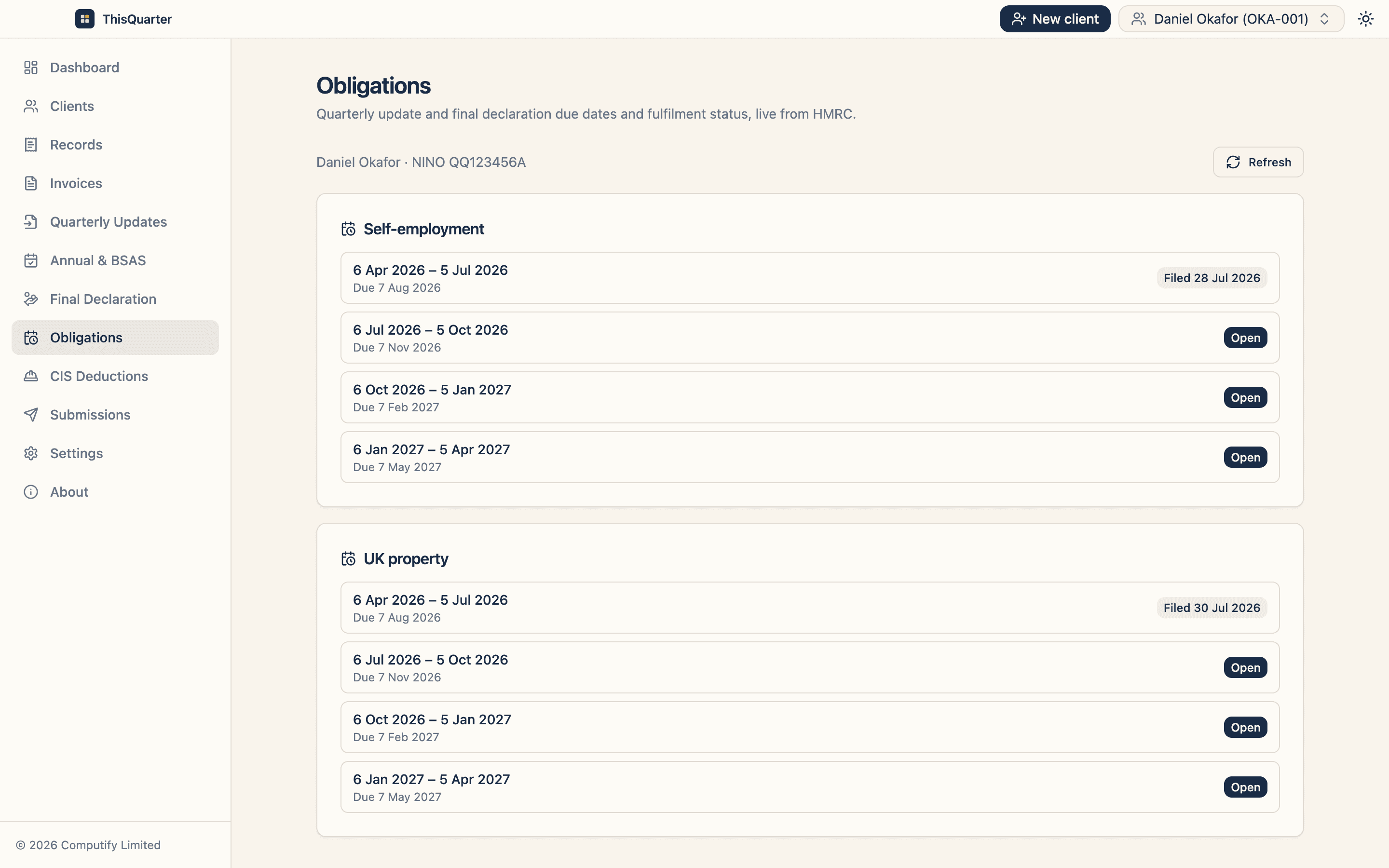
- Pulling your obligations from HMRC so you know what's due,
- a clear review step before you file,
- stored submission receipts as proof, and
- keeping your data secure — ideally encrypted, and on your own machine if you're handling client data.
How ThisQuarter fits. ThisQuarter offers a familiar, bridging-friendly workflow — import figures from a labelled spreadsheet or enter them directly, review, and file to HMRC — while keeping all data encrypted on your own computer. See how it works.
The bottom line
"Digital records" means capturing your transactions electronically; "digital links" means those figures reach HMRC without retyping. Bridging software joins the two, so you can keep your spreadsheet and still be fully MTD-compliant.
Frequently asked questions
What counts as a digital record for MTD?
An electronic record of each sale and expense — the date, amount and category — kept in MTD-compatible software or a spreadsheet. You don't have to scan every receipt, but the transaction data must be captured and stored digitally, and flow to HMRC without manual re-keying.
Can I still use a spreadsheet under MTD?
Yes, as long as it's connected to HMRC through bridging software and the connection is a 'digital link' rather than copy-paste. Bridging software reads your spreadsheet totals and submits them, so your familiar spreadsheet stays but the filing is compliant.
What is a digital link?
A digital link is an electronic transfer of data between programs with no manual intervention — for example a formula, an import/export of a file, or an API call. Retyping figures or copying and pasting between cells does not count as a digital link.
What is bridging software?
Bridging software is a tool that takes figures from your spreadsheet (or other digital records) and submits them to HMRC in the format MTD requires. It 'bridges' the gap between everyday record-keeping and HMRC's systems without forcing you onto full accounting software.
Do I need to keep every receipt digitally?
You must keep the transaction data digitally. Keeping the underlying receipts is good practice and required for the usual record-retention period, but MTD's digital-records rule is about the electronic transaction data, not about scanning every paper receipt.
Related reading
What Counts as Digital Records Under MTD?
What HMRC means by 'digital records' for Making Tax Digital for Income Tax — what you must keep, what a spreadsheet does and doesn't satisfy, digital links, and how long to keep records.
Best MTD Bridging Software in 2026: What to Look For
A guide to choosing MTD bridging software in 2026 — how bridging works, who it suits, the features that matter, pricing to expect, and how to keep your spreadsheet while still filing digitally to HMRC.
Best MTD Software for Landlords in 2026: What to Look For
How landlords should choose MTD software in 2026 — handling UK and foreign property, joint ownership, finance-cost relief, multiple properties, and filing quarterly updates and the final declaration to HMRC.